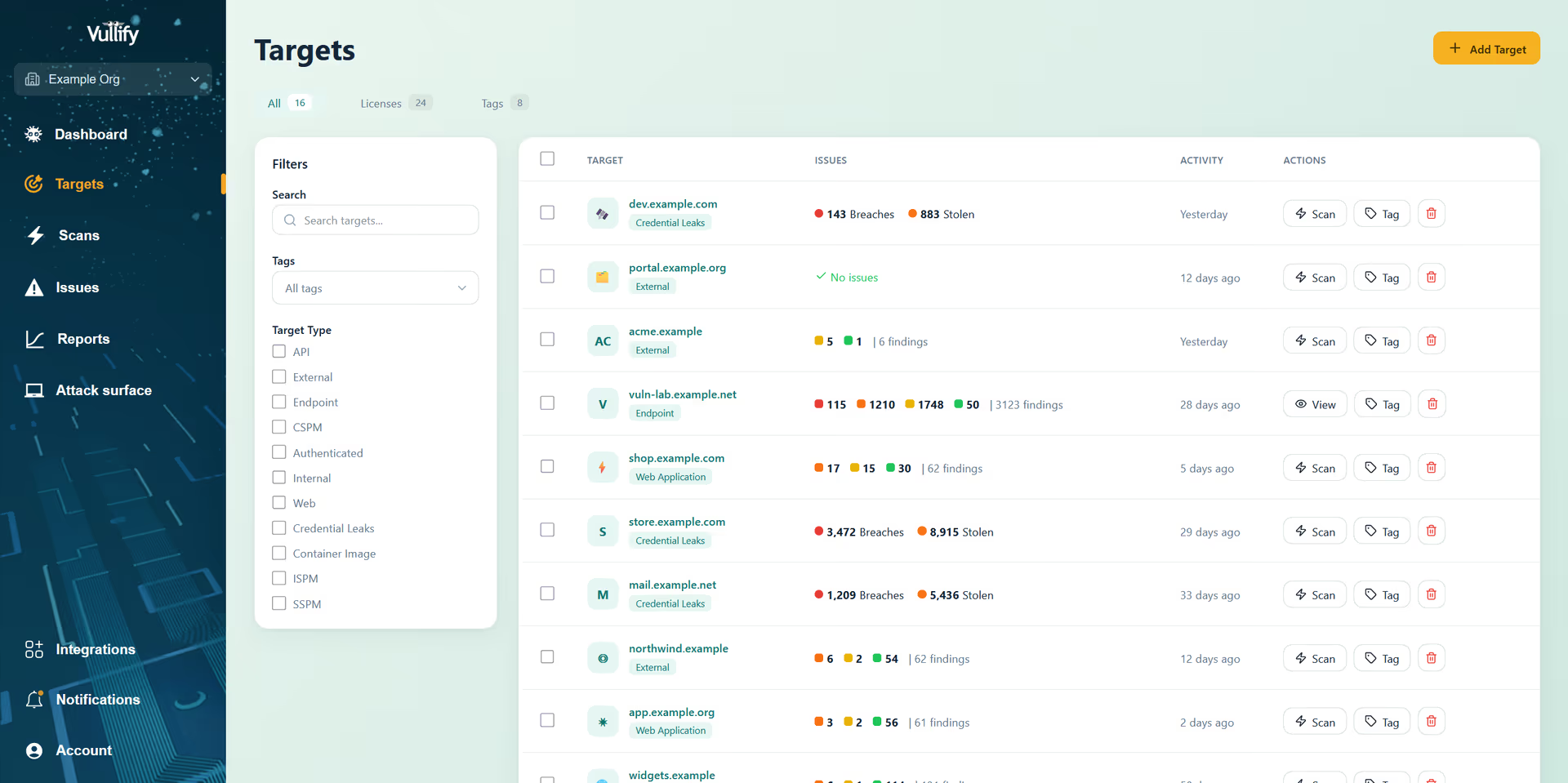
Discover, inventory, and protect every asset across your attack surface, including unknown and shadow IT, with automated, continuous CSAM.

Integrate Vullify with your cloud accounts to automatically discover services as soon as they're exposed. With automated vulnerability scans triggered by any changes, Vullify ensures you can quickly identify and resolve risks in your cloud environment.
Get continuous visibility of your perimeter. Vullify's daily network scans show you active and unresponsive targets, expiring certificates, and the ports and services you expect, and, more importantly, those you don't expect, to be exposed to the internet.

Automated asset discovery can help you identify most unknown assets in your attack surface, but manual testing helps to close any additional gaps. With Vullify's continuous penetration testing service, our experienced penetration testers check your systems for critical vulnerabilities, including ones that are not detectable by automated scanners.

The risk-based prioritization cut our weekly ticket noise by more than half. Our engineers spend time fixing what actually matters instead of triaging dashboards.
We went from a quarterly scanning cadence to always-on coverage in a single afternoon. New assets get picked up automatically — nothing slips through the cracks.
Our auditors asked for evidence of continuous vulnerability monitoring and remediation history. Vullify's reports gave us everything we needed, formatted out of the box.
The AWS and Azure integrations surfaced forgotten subdomains and a handful of misconfigured services within the first scan. It paid for itself in one week.
The team walked us through setup, integrations, and our first scan results in under an hour. Their support responses have been fast and technically sharp ever since.
Clear risk summaries, a running fix history, and trend lines that fit on one page. Presenting security posture to our board became ten times easier.
Click to read all Vullify customer success stories
Below are common questions about asset discovery and attack surface management along with some answers and useful tips
An attack surface is the sum total of all possible paths that can be used to exploit a computer system or network.
More specifically, your external attack surface refers to all the services and systems that can be accessed from the internet. This attack surface changes continuously over time, and includes digital assets that are on-premises, in the cloud, in subsidiary networks, and in third-party environments.
When a new vulnerability is discovered in software deployed on your perimeter, Vullify scans your systems and alerts you automatically.
Cloud sync automatically adds new external IP addresses or hostnames in your cloud accounts as Vullify targets. You can enable Vullify to automatically scan new targets as they are added, and create rules to control what's imported.
Vullify's Rapid Response is manually carried out by our security team to check for the latest critical weaknesses hitting the news, including some that our scanners don't have checks for yet or ones that are better detected by a person. When a threat is identified, we'll scan your systems and notify you if we suspect that any could be affected. We will also send you an advisory with further details and recommendations.
The process of external attack surface management can be summarized as follows:
1. Discover and map all your digital assets with asset discovery
2. Ensure visibility and create a record of what exists
3. Run a vulnerability scan to identify any weaknesses
4. Automate so everyone who creates infrastructure can do so securely
5. Continuously monitor as new infrastructure and services are spun up
We continuously monitor for login pages within your live targets using automated authentication detection tools.
We continuously monitor for APIs related to your live targets using automated domain detection tools. This is currently only available for targets hosted in AWS.
Once a week, we will run an automatic scan on all your targets to check for any subdomains that have not yet been added to the portal.
When you add a target, we'll check for any related domains that have not yet been added to the portal.
For example, if you have added exampletest.com, we might return exampletester.com or exampletest.co.uk.