INTERNAL
VULNERABILITY
SCANNING

Achieve wider coverage across your internal systems,
including remote employees. Simplify compliance,
with automation that saves you time.

Discover what our customer have to say

How switching to continuous scanning helped

Learn how Vullify helped British Red Cross Training expand their insight into security and streamline their vulnerability management process.

How switching to continuous scanning helped

Learn how Vullify helped British Red Cross Training expand their insight into security and streamline their vulnerability management process.

How switching to continuous scanning helped

Learn how Vullify helped British Red Cross Training expand their insight into security and streamline their vulnerability management process.

How switching to continuous scanning helped

Learn how Vullify helped British Red Cross Training expand their insight into security and streamline their vulnerability management process.

How switching to continuous scanning helped

Learn how Vullify helped British Red Cross Training expand their insight into security and streamline their vulnerability management process.

How switching to continuous scanning helped

Learn how Vullify helped British Red Cross Training expand their insight into security and streamline their vulnerability management process.

click to read all vullify reviews

Secure your internal systems easily

Your external network may be the easiest target for hackers, but internal systems are just a step away, especially with the growth of remote and hybrid work. Vullify secures your internal environment with the same rigor as your external perimeter, adding a second layer of defense. No matter where your devices are, your attack surface stays protected.

eyes
Question mark

What does an internal vulnerability scanner do?

An internal vulnerability scanner examines your systems from the perspective of an attacker who has bypassed your external defenses. It evaluates applications, devices, and servers within your private network. Internal scanning uncovers vulnerabilities that external scans often miss, like unpatched software, weak passwords, and intranet flaws, which helps organizations stay secure and up to date. Vullify uses an agent-based approach, installing software on each device to provide deeper and more comprehensive coverage than traditional network-based scanners.

Trusted by industry leaders

Dell TechnologiesXfinityGoFundMe
GapLouis VuittonNash

Discover how simple internal
vulnerability scanning can be.

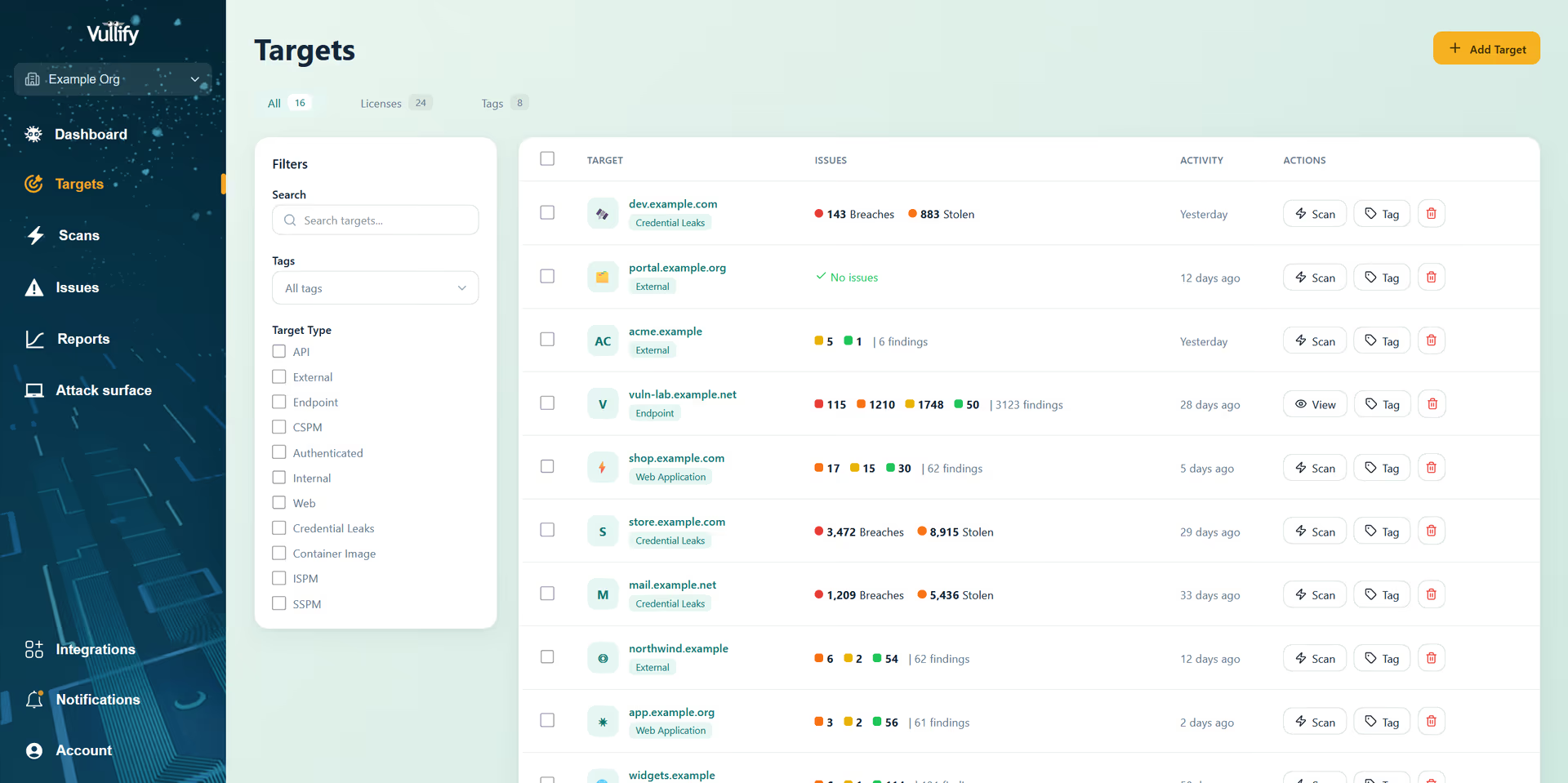
Targets dashboard

Assess vulnerabilities
from a secure,
internal position

Identify critical vulnerabilities across your internal endpoints, including misconfigurations, weak encryption, and outdated software. Vullify's agent-based scanner protects devices beyond your network, keeping remote employees' systems secure.

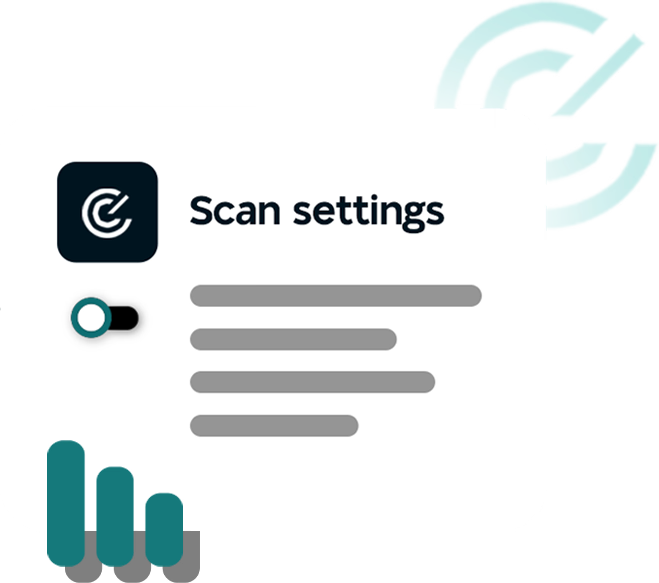
Scan setting
Agent-driven scanning for complete coverage
Leveraging the power of
leading search engines
140,000+ checks
performed
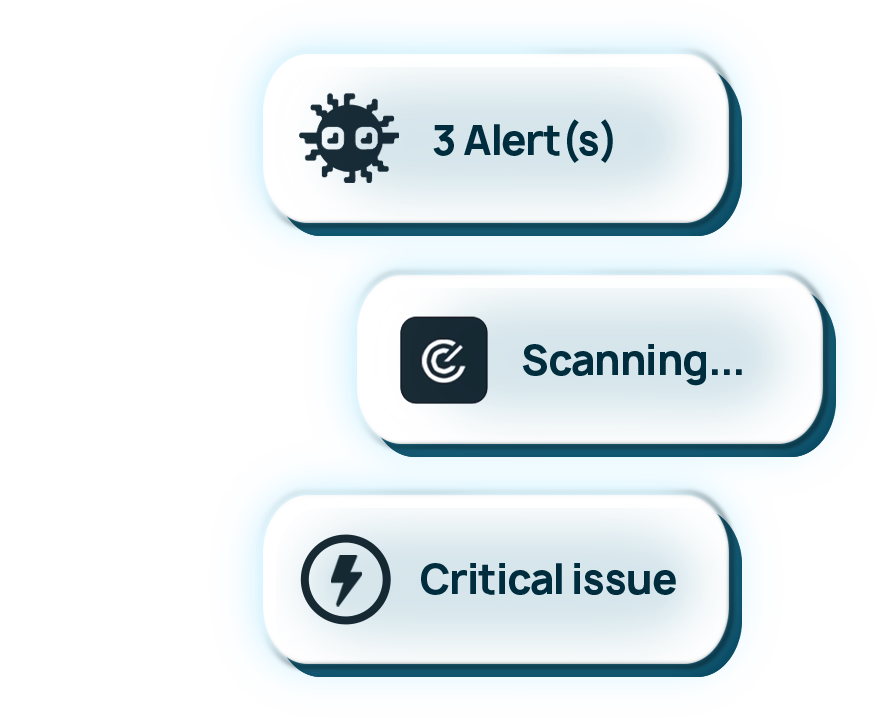
Alerts scanning motif

Streamline security
with automated
scanning of internal
systems

Set scans to run automatically at times that work best for you. Filtered, concise, and actionable reports let you focus on addressing the vulnerabilities that matter most.

Get up and running
with scans in minutes
Relied upon by thousands of
businesses across the globe
Protect Windows, macOS
and Linux systems

Simplified
compliance
management

Easily showcase your security posture to stakeholders and customers with audit-ready reports. Streamline issue resolution and monitor progress effortlessly using our dashboard and cyber hygiene score.

Report
Insights ranked by
business significance
One-click evidence sharing
via Drata integration
Our customers surpass
compliance standards

Stop attacks
before they spread

With over 65 new vulnerabilities discovered every day, most businesses lack the time or expertise to keep up. Vullify protects organizations of all sizes from both known and emerging threats. When attackers spot new vulnerabilities, we're already on it—scanning your systems to keep them secure.

Hackers design

Frequently asked questions

Below are common questions about internal vulnerability scanning along with some answers and useful tips

Internal vulnerability scanning tests your network and systems from inside your perimeter, using authenticated access to identify vulnerabilities that external scanners cannot detect. This includes missing patches, insecure configurations, weak passwords, and other security issues that exist within your internal infrastructure.

Internal scanning is crucial because many critical vulnerabilities exist behind firewalls and are not accessible from the internet. Once an attacker gains initial access to your network, they can exploit these internal vulnerabilities to move laterally and access sensitive data. Internal scanning helps you identify and fix these weaknesses before they can be exploited.

Authenticated scanning uses credentials to log into your systems and perform deep security checks. This allows Vullify to identify vulnerabilities that require system-level access, such as missing security patches, insecure service configurations, weak local user permissions, and installed software with known vulnerabilities.

Vullify can scan a wide range of internal systems including Windows servers, Linux servers, network devices, databases, virtual machines, containers, and cloud instances. The scanner supports multiple authentication methods including SSH, Windows authentication, and cloud provider credentials.

Yes, Vullify's internal scanning is designed to be safe for production environments. The scanner uses read-only operations and follows best practices to avoid disrupting services. However, you can configure scan schedules and exclusions to ensure scans run during maintenance windows or avoid sensitive systems.

Many compliance frameworks like PCI DSS, HIPAA, and SOC 2 require regular internal vulnerability assessments. Vullify provides automated scanning and reporting that helps you meet these requirements, with detailed audit trails and evidence of your security testing activities.

Yes, Vullify can scan remote employee devices when they connect to your network through VPN or other secure connections. This helps ensure that remote workers' devices meet your security standards and don't introduce vulnerabilities to your network.

We recommend continuous or at least weekly internal scanning. Since internal infrastructure changes frequently with new deployments, software updates, and configuration changes, regular scanning ensures that new vulnerabilities are detected quickly. Vullify can automatically schedule scans and alert you to new findings.

External scanning tests your systems from the internet perspective, identifying vulnerabilities that attackers can exploit without network access. Internal scanning tests from within your network using authenticated access, finding vulnerabilities that require insider access or that exist after an initial breach. Both are essential for comprehensive security coverage.

Sign up for your free

14 day trial

Vullify is easy to use, simple to understand, and always on so you can fix vulnerabilities faster.